RealTalk
Real-Time AI Avatar System
A real-time AI avatar system (MVP) you talk to out loud. A lifelike, talking face is generated live on a GPU backend and streamed back as you speak.
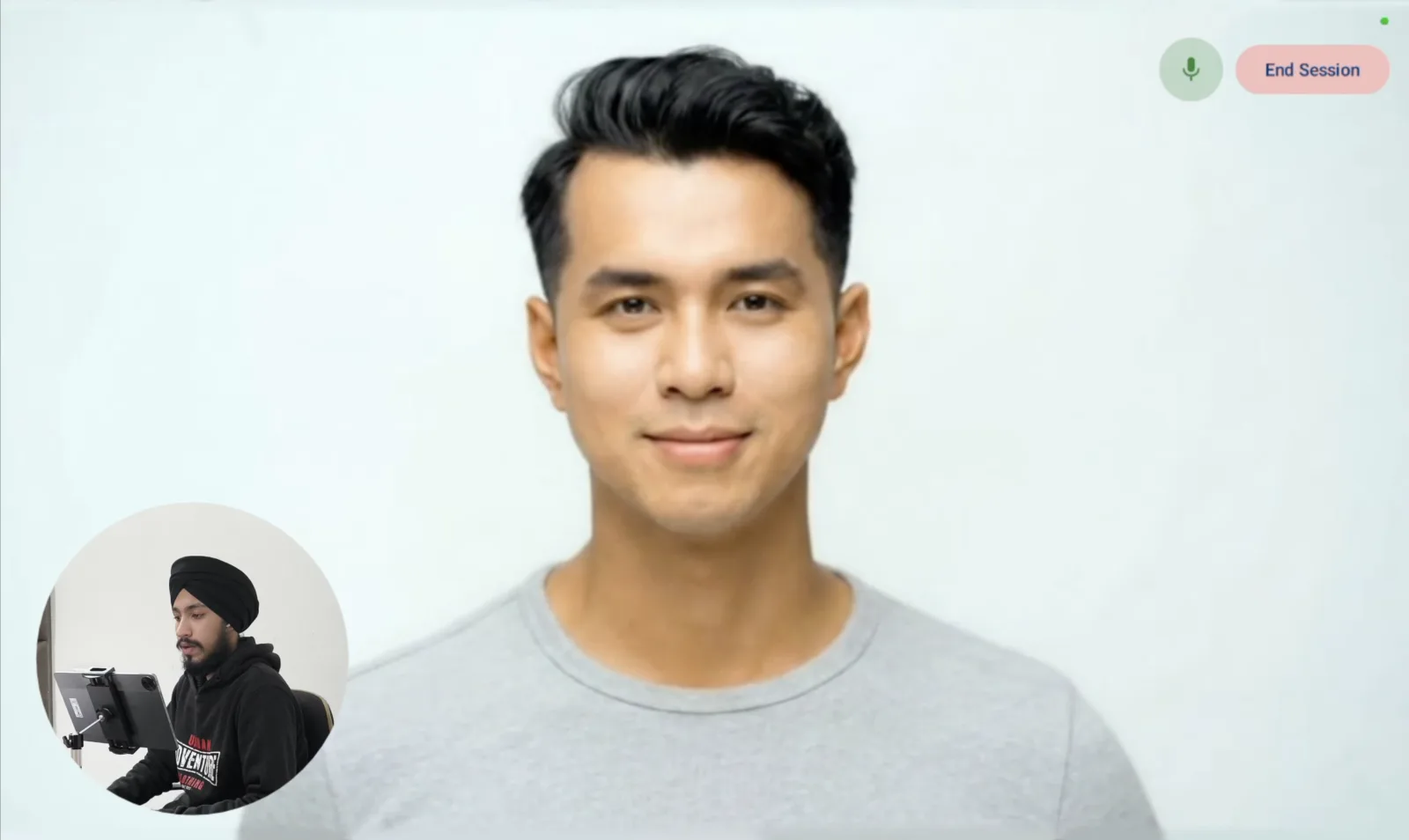
Demo
See it in action.
Overview
RealTalk is a real-time AI avatar system: a lifelike, talking digital persona you can hold a natural spoken conversation with. The system is split across two sides. Clients are the screens people talk to, and a GPU-powered remote backend does the AI thinking and generates the avatar video itself. When you speak, your voice is captured and streamed up to the backend, which runs speech-to-text, an LLM to decide the response, and text-to-speech to produce the reply. An open-source lip-sync model then renders a talking head from that audio, chunk by chunk, and streams the freshly generated video back down. The result is a continuous two-way loop where voice flows up and live avatar video flows back, so it feels like talking to a real person rather than waiting on a rendered clip. The Android app in this project is the reference client: it captures voice, plays the live avatar stream, and goes further by carrying out real on-device actions from natural speech, such as setting alarms, managing tasks, pulling up news and YouTube, adjusting device settings, and running an interactive quiz. Because the brain and the face are generated centrally, any screen can become a client, whether a phone, tablet, kiosk, TV, or web page. Alongside the Android client, a web app demonstrates the same avatar running in the browser. It is an MVP and an evolving prototype, built to explore how the live conversation loop holds together end to end.
How it works
- 1
You speak
The client captures your voice and uses voice-activity detection to tell when you are actually talking.
- 2
Speech to text
Your audio streams up to the backend, which transcribes it into text with automatic speech recognition.
- 3
The brain responds
An LLM interprets the request, decides the reply, and chooses any action to take.
- 4
Text to speech
The reply is turned into spoken audio and streamed out in small chunks to keep latency low.
- 5
Avatar generation
An open-source lip-sync model renders a talking head from each audio chunk, matching the mouth and expressions to the voice.
- 6
Streamed back live
The freshly generated avatar video and audio play back on the client chunk by chunk, so the face talks as the conversation happens.
Architecture
The pipeline, the intended infrastructure, and a few early-stage experiments.
Gallery
A closer look at the interface. Click any image to expand.
What it does
- Lifelike talking avatar generated live on a GPU backend with a real-time open-source lip-sync model, matching mouth and expressions to the speech
- Continuous two-way loop where captured voice streams up and freshly generated avatar video streams back down chunk by chunk as the conversation happens
- Spoken dialogue pipeline that chains speech-to-text, an LLM brain, and text-to-speech into a natural back and forth
- Voice-first Android client that runs in kiosk mode as a dedicated, hands-free appliance
- On-device intent classification with a custom TensorFlow Lite model, routing speech to the right action locally with low latency
- Real actions from natural speech, including alarms, task lists, news, YouTube search, device settings, and an interactive quiz
- Client-agnostic by design, so the same centrally generated avatar can appear on a phone, tablet, kiosk, TV, or web client
Why it's built this way
Heavy work stays on the backend
Diffusion-based lip-sync needs a GPU, so the avatar is generated server-side and the client stays thin and responsive.
Real-time through chunking
Streaming audio and video in small chunks, rather than one large render, is what makes the conversation feel live instead of a delayed clip.
One brain, many screens
Centralizing the intelligence and the avatar means every client improves at once, and any new device can join without re-implementing the system.
Built to run continuously
Resident models, folder-watching, self-cleanup, and graceful handling of bad audio let the backend run as a persistent live service.